# Overview
To access the Vcheck Platform, go to [https://portal.vcheckglobal.net](https://portal.vcheckglobal.net/).\
You’ll be prompted to log in using your email address and password. If you prefer not to use a password, click **Send access link** to receive a secure one-time login link valid for 15 minutes.
**Multiple Workspaces**
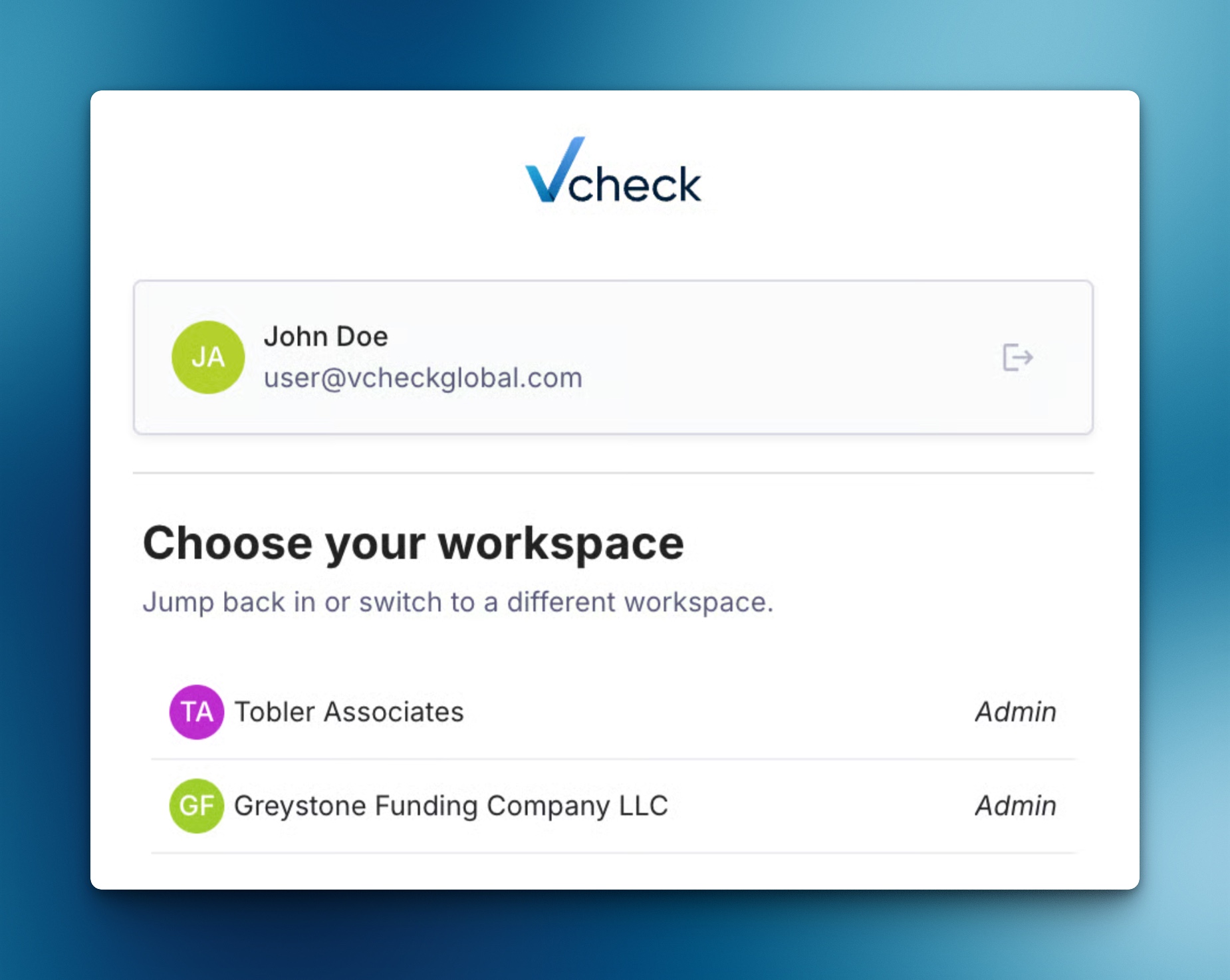
If you’re associated with multiple client accounts, you will have access to multiple workspaces within a single login. You can select the workspace you would like to use after logging in.
To switch accounts later:
1. Click on the Workspace
2. Select **Switch Workspace**.
3. Click on the Workspace you want to enter from the list.